UpkeepAlerts
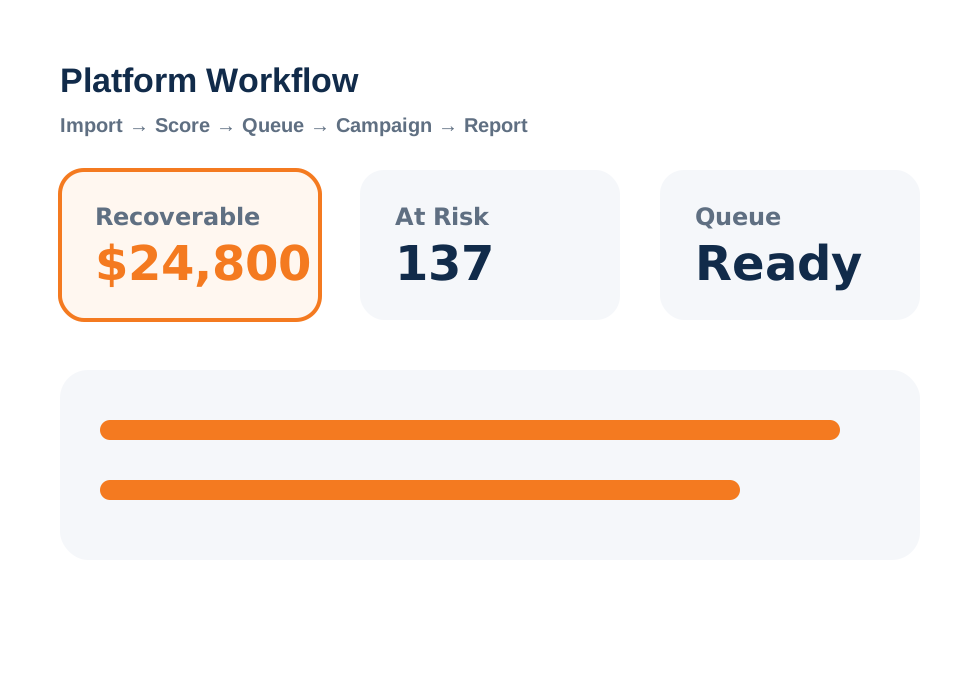
See the UpkeepAlerts workflow.
See how a shop export becomes recovery scoring, customer intelligence, campaign segments, and reports.

Revenue Recovery Dashboard™
See at-risk customers, recoverable revenue, and monthly revenue leak.

Recovery Queue™
Prioritize who to contact first, why they matter, and what may be recovered.

Campaign Intelligence™
Segment customers for focused follow-up instead of generic reminders.